
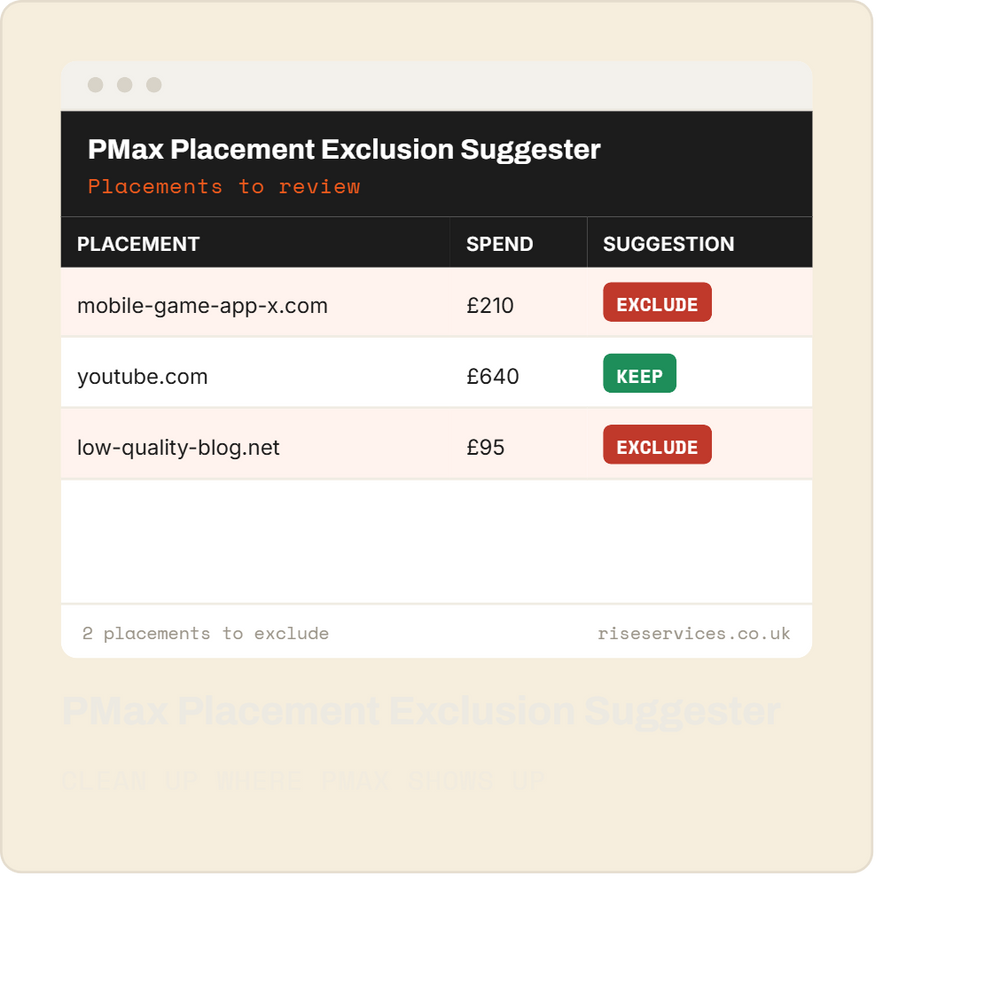
PMax Placement Exclusion Suggester
Performance Max spends your money on placements it won't show you. This shows you.
Problem it solves: PMax campaigns serve across YouTube, Display, Gmail and thousands of websites and apps, and Google gives you almost no visibility on where. A chunk of most PMax budgets goes to low-quality placements, made-for-ads sites and irrelevant apps. You can exclude them, but only if you know they exist.
What it does:
- Pulls the placement data Google does expose for your PMax campaigns
- Scores placements against known junk patterns, low-quality domains and irrelevant app categories
- Builds a suggested exclusion list ready to review and apply at account level
- Repeats on schedule so new junk gets caught as Google finds new places to spend
Output: A branded Google Sheet with your placements, the flagged junk and a ready-to-apply exclusion list, plus a summary email.
Runs: Monthly, automatically. Paste it in once with the included setup guide.
One-time price. No subscription, yours to keep. Covered by our 12-month update guarantee.
Everything in this script
- Paste it in once. Comes with a plain English setup guide, takes about 10 minutes, no developer needed.
- Runs automatically. Set the schedule once and it does the checking for you.
- No third-party access. The script runs inside your own Google Ads account. We never touch your data.
- One-time price. Buy it, own it. No subscription and no retainer.
From checkout to running in minutes
Purchase your product
Choose your digital product and complete the secure checkout.
Get instant access
Receive your download link instantly after successful payment.
Start using it
Download the file and start using it right away with easy instructions.
Before you buy
How do I install it?
Every script comes with a step-by-step setup guide. You paste the script into your own Google Ads account under Tools, then Scripts, set the schedule, and it runs from there. About 10 minutes, no technical background needed. If you'd rather not do it yourself, we offer an installation service.
Do you need access to my account?
No. The script runs entirely inside your own Google Ads account. Nothing is sent to us and we never see your data.
Will this change anything in my account?
No. This script is read-only. It reads your account data, builds your report and sends your alert. It never edits campaigns, changes bids, pauses ads or touches any settings. The only thing that changes is how much you know about your own account.
How do I get the script after buying?
Instant digital delivery. You'll get a download link straight after checkout and a copy by email.
What if Google changes something and it breaks?
Every script is covered by our 12-month update guarantee. If a platform change affects your script within a year of purchase, we send you the updated version free.
Do you offer refunds?
As a digital product delivered instantly, refunds are covered by our Refund Policy, which you can read before buying. If something doesn't work as described, contact us and we'll put it right.
How do I get the script after buying?
Instant digital delivery. You'll get a download link straight after checkout and a copy by email.